How to fight a friend
- Both of you make a free account and confirm your email.
- Open the lobby and start a private match. It gives you an invite code.
- Send the code to your friend. When they join, you each pick a fighter and fight.
Private matches do not change your rating, so it is a relaxed way to learn the game together. This is an online match between two browsers, each player on their own device. It is not a split-keyboard mode.
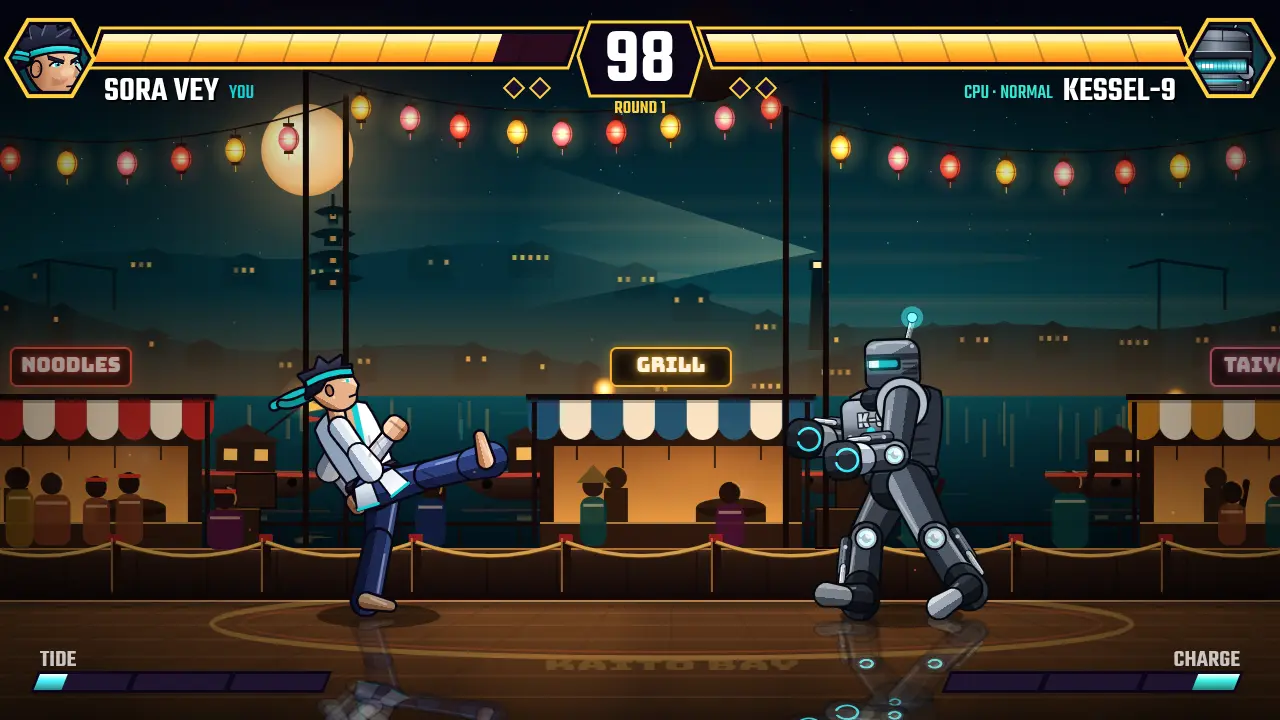
What the match is like
A match is the best of three rounds with a 99 second clock. Pick any of the eight fighters, each with their own normals, a special and a super. The server runs the same simulation as your browser and decides the result, so the fight is the same for both of you.
Practise first
If your friend is not around yet, fight the computer in single player or use the training room. No account is needed for that. Move with A and D, attack with J and K, block with L, and press U for a special. Controllers and touch controls work too. See the how to play guide for the rest, or the FAQ for help with accounts.
Ready to fight?
Single player starts in your browser with no account.