Online play in the browser
Online fights in Neon Knuckles use the same game you play against the computer. Pick the online option, and the server matches you with another player. The server runs the same simulation as your browser and decides the result of every online match, so a cheating client cannot change the outcome.
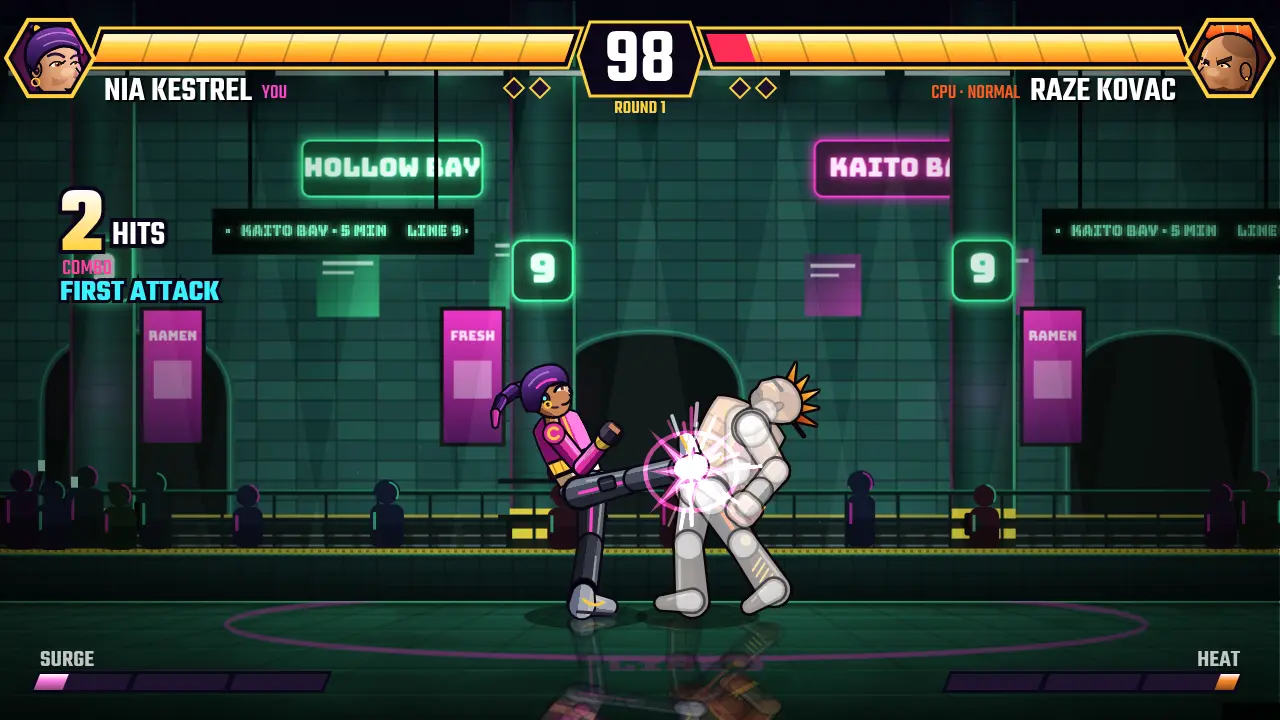
Two ways to fight online
- Quick match. Finds a player near your rating. The rating moves with every result, and the leaderboard shows the ranking.
- Private match. Gives you a code to send a friend. Private matches do not change your rating.
What you need
Online fights need a free account with a confirmed email address, so make an account, confirm your email and open the lobby. Nothing is downloaded. Any recent Chrome, Edge, Firefox or Safari will do, on a computer, phone or tablet.
Not ready for people yet?
Single player needs no account at all. Arcade, Versus CPU and Training are all there, so you can learn a fighter before you take them online. Controls are on the how to play page, and the rules for online play are in the community rules.
Ready to fight?
Single player starts in your browser with no account.